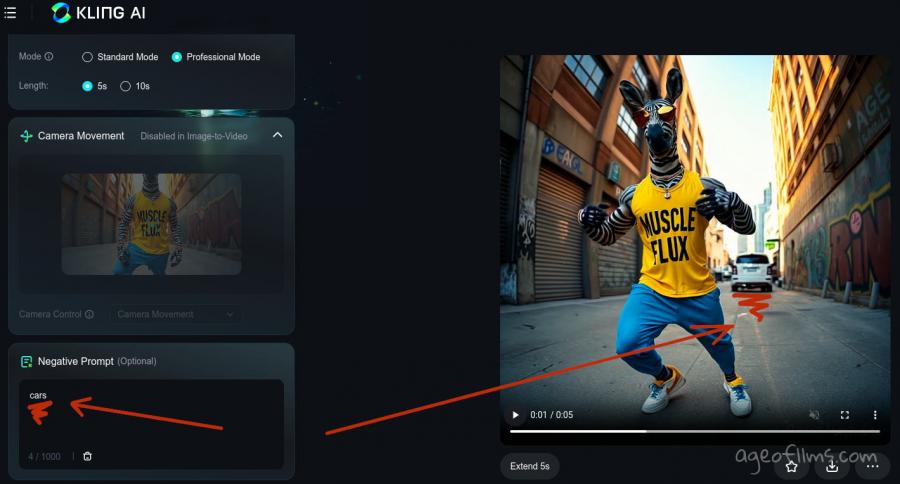
Kling Prompt Format: Shot-Language Patterns
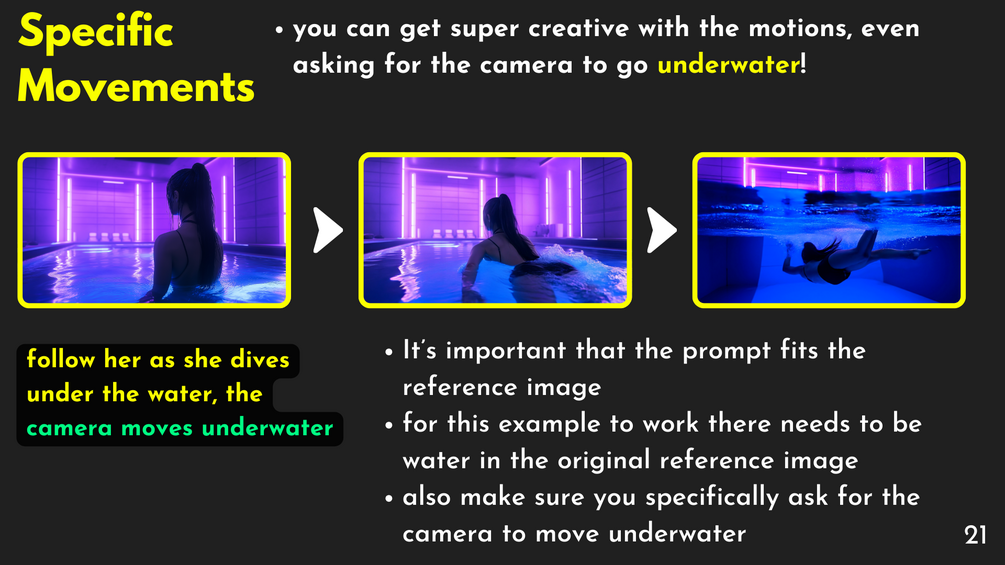
If your Kling output feels unstable, the issue is usually prompt structure. Kling performs better when prompts encode shot language clearly. This is where video prompt engineering matters.
Shot-language pattern
Use one sentence per shot:
Subject + Setting + Camera Action + Lens/Depth + Lighting + Mood + Timing
3 pattern types
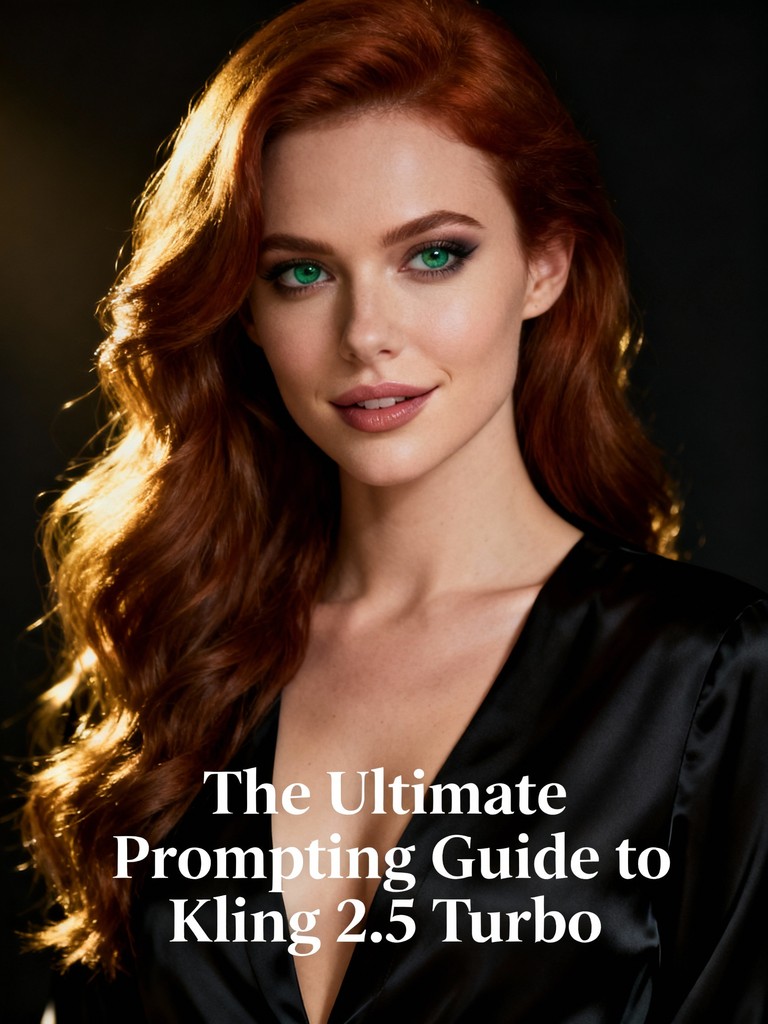
Pattern A: Hook shot
Fast entry, clear motion, one visual payoff.
Pattern B: Explain shot
Stable framing, readable gesture, minimal movement.
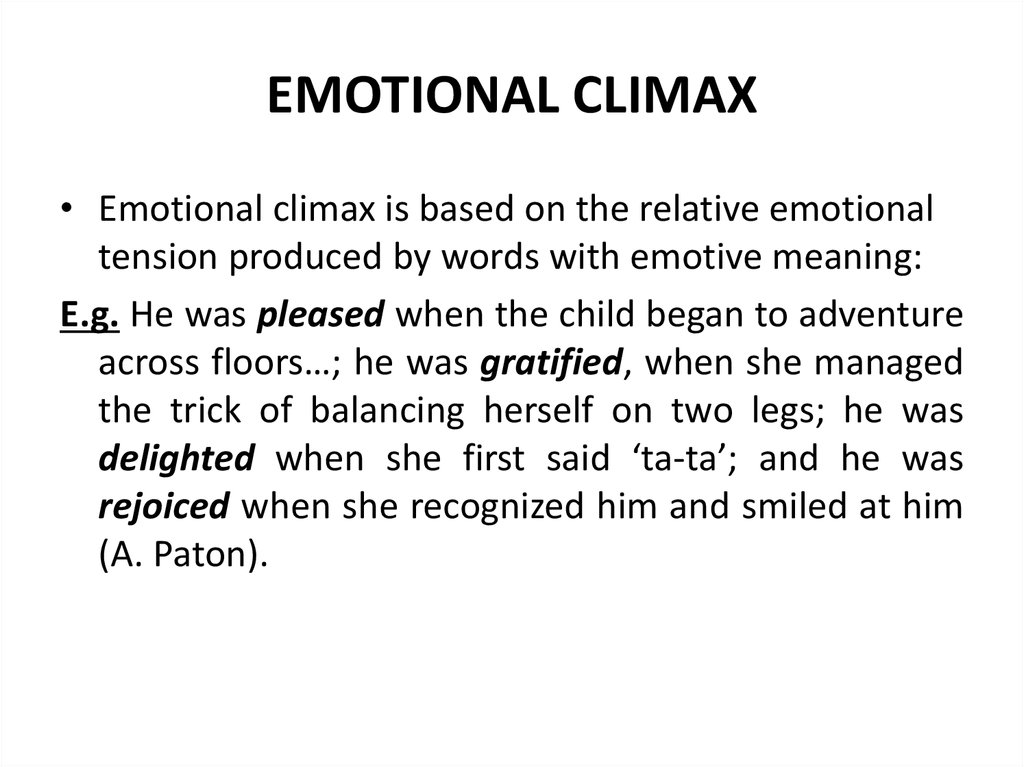
Pattern C: Payoff shot
Close-up or emotional climax with controlled lighting.
Example package for Kling
- Hook: moving handheld medium shot
- Explain: locked medium shot with clean background
- Payoff: slow push-in close-up with shallow depth
Common Kling prompt errors
- too many style tags with no camera info
- conflicting timing cues ("fast" and "slow cinematic drift")
- missing transition instruction between shots
FAQ
Is Kling more sensitive to motion wording?
Yes. Motion verbs and timing cues strongly affect results.
Should I include negative prompts?
Always. Keep them short and tied to your failure patterns.