Video-to-Prompt System Design
If your team still writes prompts from scratch, you're wasting your best visual source: real video references.
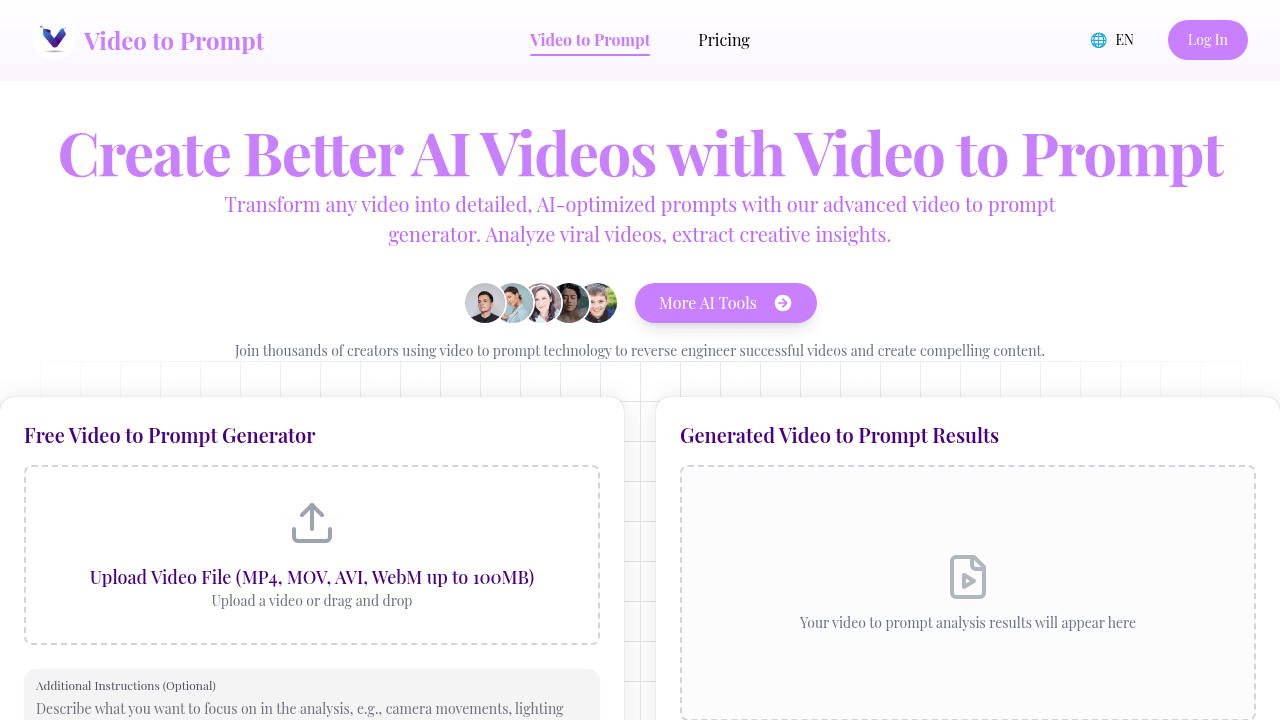
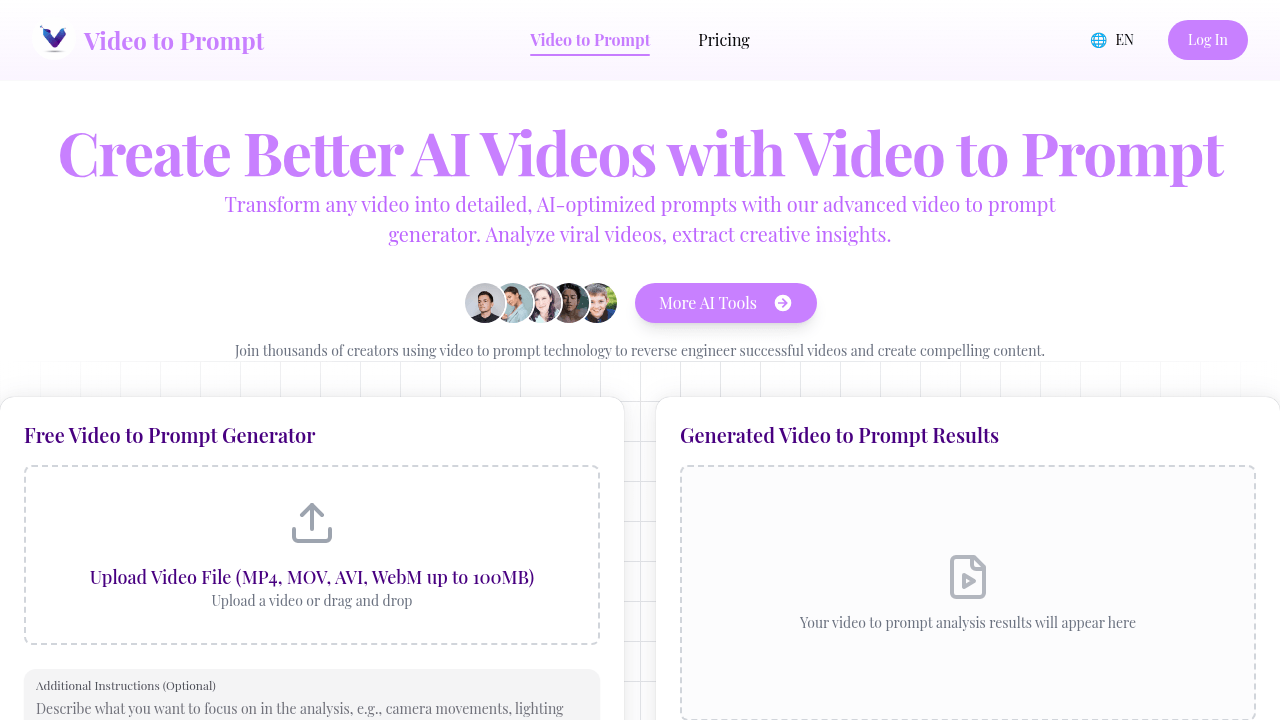
A modern AI video workflow should convert every useful clip into a reusable prompt package. That package should include:
- A concise scene summary
- A robust master prompt
- A short execution prompt for fast generation
- A negative prompt to avoid artifacts
- A shot list that captures camera logic
- A keyword set for indexing and retrieval
Why this matters
Without structure, prompt quality becomes random and hard to scale. With a structured package, teams can:
- Reproduce style faster
- Align editors, creators, and operators
- Build a searchable prompt library
- Reduce iteration cost per deliverable
Recommended package format
Use a fixed schema so every output is directly usable:
{
  "summary": "...",
  "masterPrompt": "...",
  "shortPrompt": "...",
  "negativePrompt": "...",
  "keywords": ["..."],
  "shots": ["..."]
}
Operational best practices
- Keep
masterPromptexpressive and production-level - Keep
shortPromptunder platform limits - Keep
negativePromptfocused on common failure modes - Keep
shotsordered by sequence or narrative progression - Keep
keywordsconcise for downstream indexing
Final takeaway
Treat video-to-prompt as a system, not a one-off generation trick. Once every clip becomes structured prompt data, your creative output becomes faster, more consistent, and easier to scale.